Use this template Download the sample deck (7 cards, CSV)
Good for: any card game you are starting, a quick prototype, or a classroom exercise in game design. Size: Poker (64x89mm), one of the sizes built into the app.
The fields
Each column in the sample deck fills a field on the card: Name, Type Line, Cost, Effect Text, Flavor Text, Color, Power, Toughness. Add or remove any of them.
| Name | Type Line | Cost | Effect Text | Flavor Text | Color | Power | Toughness |
|---|---|---|---|---|---|---|---|
| Trailhead | Location | 0 | Start of the route. Each player draws 3 cards when they arrive. | The sign is older than the path. | green | ||
| Flint Kit | Gear | 1 | Discard this to cancel a Cold Snap event. | gold | |||
| Thin Ice | Hazard | 2 | The active player rolls a die. On a 1 or 2, they lose a Gear card. | It holds, until it doesn’t. | blue | ||
| Lost Compass | Hazard | 1 | Move back one location. If you have a Map, ignore this. | gray | |||
| Old Guide | Ally | 3 | Once per round, reroll any die. Counts as 2 for a river crossing. | Speaks little. Knows every stone. | teal | 2 | 3 |
| Cold Snap | Event | 2 | Every player without a Flint Kit discards a card. | purple | |||
| Summit Ridge | Location | 5 | The first player to reach this wins the round. | Worth the climb. They all say that. | red |
How to lay it out
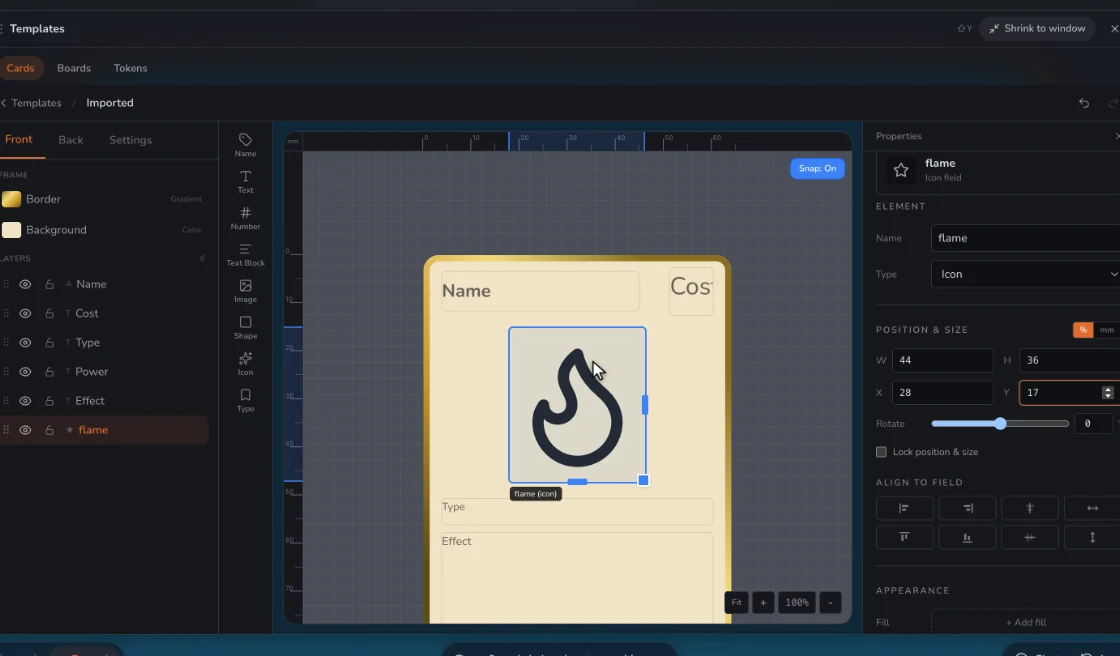
- Start with the conventional order: name and cost at the top, art in the middle, type line, rules, then numbers at the bottom. Players already know how to read it.
- Make the type line a distinct band of color so cards sort by type at a glance during play.
- Print a minimum of text at 8 points or larger. If a rule does not fit, shorten the rule before you shrink the font.
- Leave the flavor line optional. A card without flavor should not look empty, so give the rules box enough padding to stand on its own.
Use it in Prototable
- Press Use this template. This design and its 7 sample cards go straight into a game, with no account needed to start.
- Make it yours. Replace the sample cards with your own, in Prototable or from a spreadsheet, and change anything in the template. Upload art and it covers the placeholder.
- Make a deck and put it on the table.
- Play it, alone or with people from a link, and change cards mid-game.
- Print it as a PDF with cut guides when you want it on paper.
Questions
Is this game card template free?
Yes. The sample deck is free to download and change, and Prototable is free for two games. Free prints carry a small watermark.
Is this the real design?
Yes. The cards above are drawn from the same template you get, so it looks the same in Prototable, and you can change any part of it. Where the art goes, upload your own picture and it covers the placeholder.
How do I add my own cards?
Edit them in Prototable, or download the sample deck, change it in Excel or Google Sheets, and bring it in through Import, choosing this template.
Can I use these sample cards in my game?
Yes, they’re yours to change or use, though you’ll want to replace them with your own.
Do I need an account?
Not to start: you can open a table and import cards without one. Sign up when you want to keep your work.
Card game maker · More: Card game template · Custom tarot card template · Dark fantasy card template · Enemy card template · Mecha trading card template · all templates.