Know the sheet
A deck sheet is usually 10 cards across and 7 down, with up to 69 cards, since the last cell is often the hidden card. Each cell is the same size, so every card in a sheet must have the same proportions. Bigger decks use several sheets.
Mind the file size
Very large sheets take a while to load for everyone. Keep cards readable at table zoom, and don’t go far past what you can see. Tabletop Simulator’s own guidance is the place to check its current limits.
Host the image
For a game with other players, the image needs a public address. Steam Cloud, available from within Tabletop Simulator, or an image host both work. A local file only works on your computer.
Set up the back
You can give every card one back image, or use a sheet of backs for unique ones.
Change is the hard part
Every card change means a new image, a new upload and reloading objects, and each player owns the game on Steam. That’s fine for a finished game. While a design is moving, it’s worth testing somewhere else first.
Step by step, in Prototable
- Make your cards. In Prototable, make them from a template, or import a spreadsheet or images.
- Open Print. Press Export Sprite Sheet (PNG). It saves sheets of up to 10 by 7, a new one every 70 cards.
- Add a Custom Deck. In Tabletop Simulator, open Objects, then Components, Custom, Deck, and place it.
- Set the images. Point Face at your sheet and Back at your back image, then enter the width, height and number of cards.
- Import. Press Import, and your deck appears on the table.
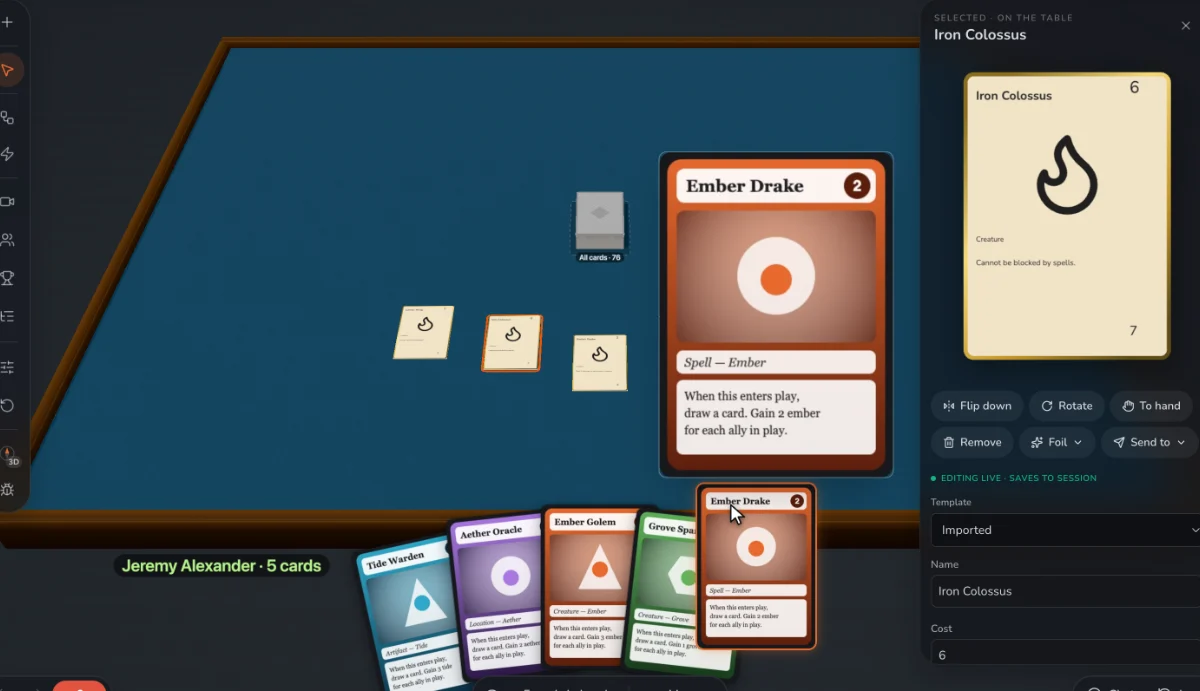
- Or skip it while you’re testing. Share a Prototable table link instead: players join in a browser with nothing to buy, and an edited card updates at once.
Questions
What size is a Tabletop Simulator card sheet?
Usually 10 by 7 cells. Check Tabletop Simulator’s documentation for its current maximum image size.
Can I bring a TTS deck into Prototable?
Yes. Import cuts the sheet into separate cards, which you can then edit, play and print.
Does the Prototable sheet include backs?
No, faces only. Add your back image in the Custom Deck’s settings.
More guides: How to prototype a card game · How to turn a Tabletop Simulator deck into printable cards · How to playtest a board game remotely · How to import a TCG deck list to playtest it · How to make a card game · How to make a trading card game · How to balance a trading card game · How to publish a card game · Game card design rules · How to design a card game · How to make a board game · What is playtesting? · How to playtest a card game online.