From Prototable to Tabletop Simulator
Print’s Export Sprite Sheet (PNG) lays your cards out in sheets of up to 10 by 7, the size Tabletop Simulator reads, and saves a new sheet for every 70 cards. In Tabletop Simulator, add a Custom Deck and point its Face at the image, hosted wherever you keep images. The card back is a separate image you add there.
From Tabletop Simulator to Prototable
Right-click the deck in Tabletop Simulator and open Custom. The Face URL is the sheet. Save it, then open Import and choose A Tabletop Simulator deck. Press TTS 10 × 7, check the cut lines fall between the cards, and each cell becomes a card, ready to play and to print.
They arrive as pictures. On paid plans, Read all reads each card’s name, cost and text off the picture and rebuilds it on a template, so a number becomes an edit.
When you don’t need Tabletop Simulator at all
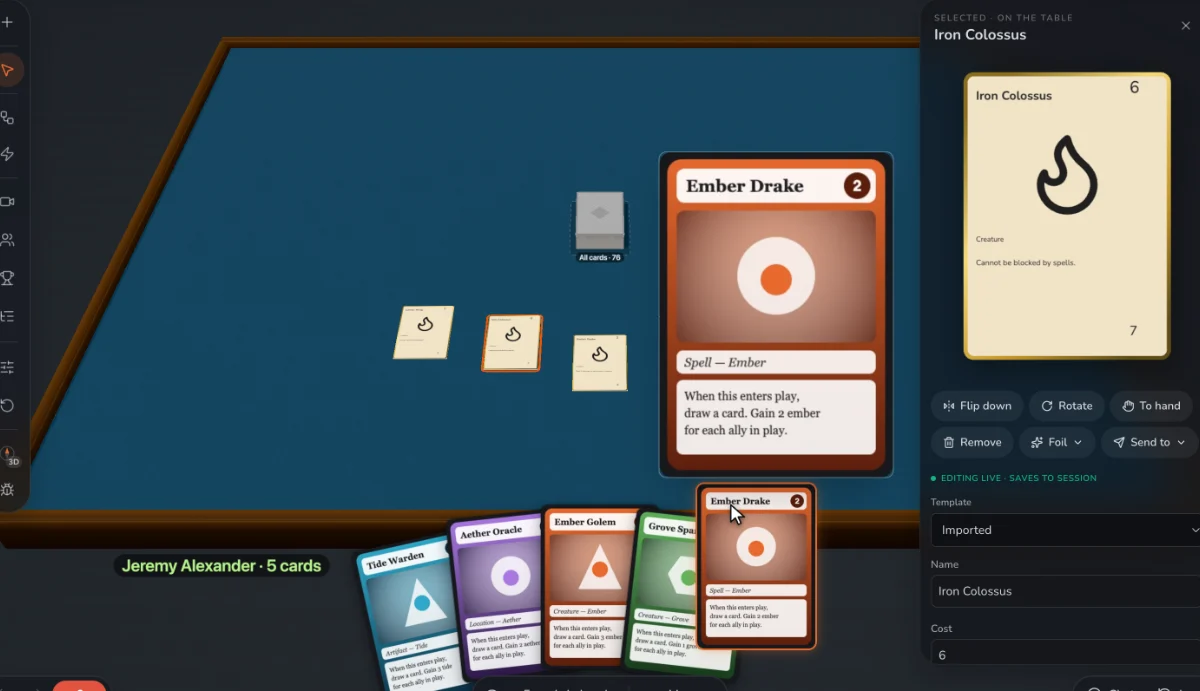
For playtests, every player has to own Tabletop Simulator on Steam, and each change means a new image and a reload. On Prototable, players join from a link, and a card you edit updates at once. Keep Tabletop Simulator for what it’s great at: a finished game, in front of its large community, with scripts and custom 3D models.
What doesn’t come across
Lua scripts and custom 3D models stay in Tabletop Simulator. Prototable reads the card sheet, not a saved table.
Step by step
- Make your cards. From a template, or bring in a spreadsheet or CSV, a folder of card images, PDFs made for print, or a Tabletop Simulator card sheet.
- Open Print. Find Export Sprite Sheet (PNG).
- Host the image. Put the PNG somewhere Tabletop Simulator can reach, or use a local file for your own table.
- Add a Custom Deck. Set Face to your image, Back to your back image, and enter how many cards it holds.
Questions
What size is a Tabletop Simulator deck sheet?
Usually 10 cards across and 7 down, 70 cells, with up to 69 cards, since the last cell is often the hidden card. Prototable exports up to 70 on a sheet, so leave the last cell free if you use it for the hidden card.
Can I turn a TTS deck into printable cards?
Yes. Here is how.
Does the sprite sheet include card backs?
No, faces only. Add your back as its own image in Tabletop Simulator.
Related: How to make custom cards for Tabletop Simulator · The best card game makers for Tabletop Simulator · Tabletop Simulator alternatives · vs Tabletop Simulator · all tools.