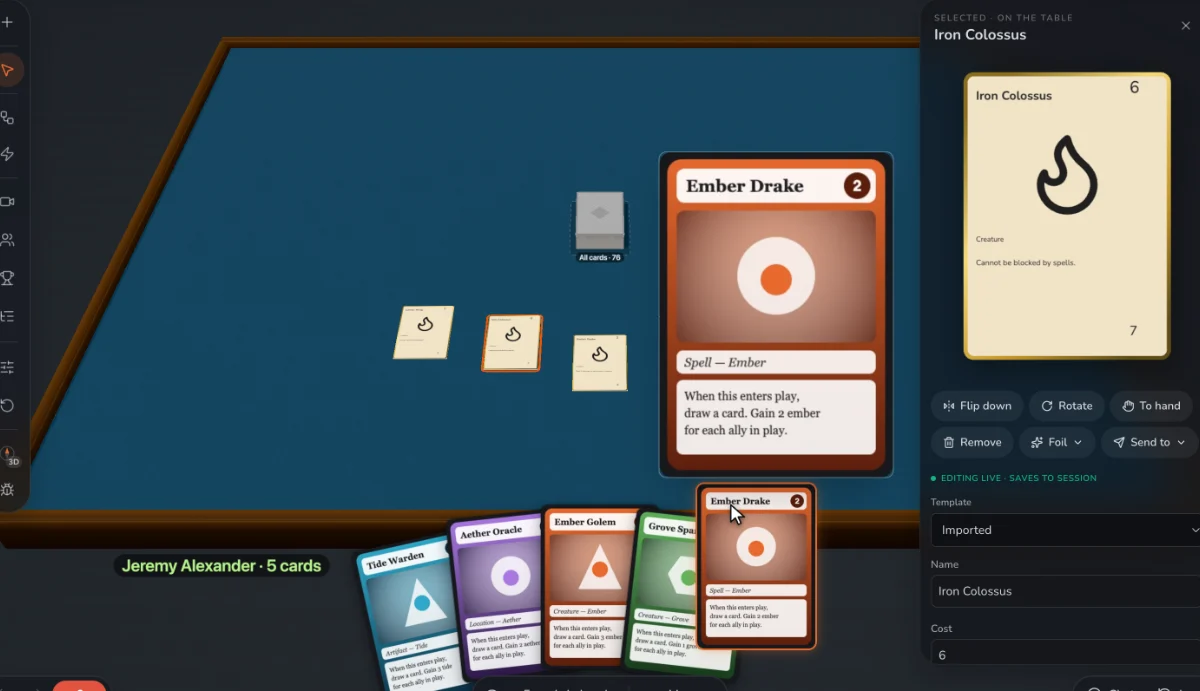
Start with a picture of the board
Draw the board anywhere: paper, Illustrator, a slide. Bring it in as an image on a mat, set its real size in inches, and lay a square or hex grid over it. Pieces dropped on the grid settle in the middle of a space, so nobody argues about which hex a token is in.
The pieces are already there
Tokens in round, square, triangle and hex shapes, standing pawns and meeples, cubes and discs, counters and dials, dice from d4 to d20 plus your own custom faces, and bags to draw from at random. Colored cubes are enough for a first test. Art can wait until the game stops changing.
Let players enforce the rules
Prototable doesn’t program your rules, and early on that helps: players move pieces by hand, as at a kitchen table, and you see where the rules are unclear. Macros take care of the chores, like dealing everyone a hand or refilling a market row.
What it won’t do
It doesn’t manufacture a game, and it doesn’t import custom 3D models or Tabletop Simulator scripts. It’s for the part where the design is still moving.
Step by step
- Add a mat. Turn on Edit, press Add, pick Mat, then upload your board as its image and set its size.
- Lay the grid. In the mat’s settings, turn on squares or hexes with the cell size that fits your art.
- Add the pieces. From Add, place tokens, pawns, cubes, counters, dice and bags.
- Add the cards. If there are cards, bring in a spreadsheet or CSV, a folder of card images, PDFs made for print, or a Tabletop Simulator card sheet, and put the decks on the table.
- Save the setup. Save the table as a layout so every new session starts from it.
- Share the link. Players join in their browser, with no account and nothing to buy.
Questions
Can I make a board game online for free?
Free for two games, with 2 players at the table. Designer, $99 a year or $15 a month, adds unlimited games and 12 players. Players you invite always join free.
Can I create a custom board game from my own art?
Yes. Your own map goes on a mat as an image, and your own cards and token designs join it. Start with plain pieces if the art isn’t ready.
Can I use a hex map?
Yes. Lay a hex grid, pointy or flat, over your map image, sized to your hexes. Pieces and hex tokens snap to the center of a hex.
Do I need to know how to code?
No. Macros and automations are built by picking steps from a list, and you never have to use them.
Can I print the board?
Print lays out cards, not boards. Print your board image from whatever you drew it in, or start from our free board game templates.
Related: The best board game makers · Board game templates · Blank board game template · How to make a board game · How to playtest a board game remotely · What is playtesting? · vs Tabletop Simulator · all tools.