What to look for
How does your board get in?
Almost always as an image. Check you can set its real size, and that a square or hex grid can sit over it, with pieces that snap.
What do players need?
A link, an account, or a purchase? Each extra step costs playtesters.
Do you need rules enforced?
Most tools leave rules to the players, which suits a game in progress. Scripted rules take real programming and are worth it mainly for finished games.
The tools
Prototable
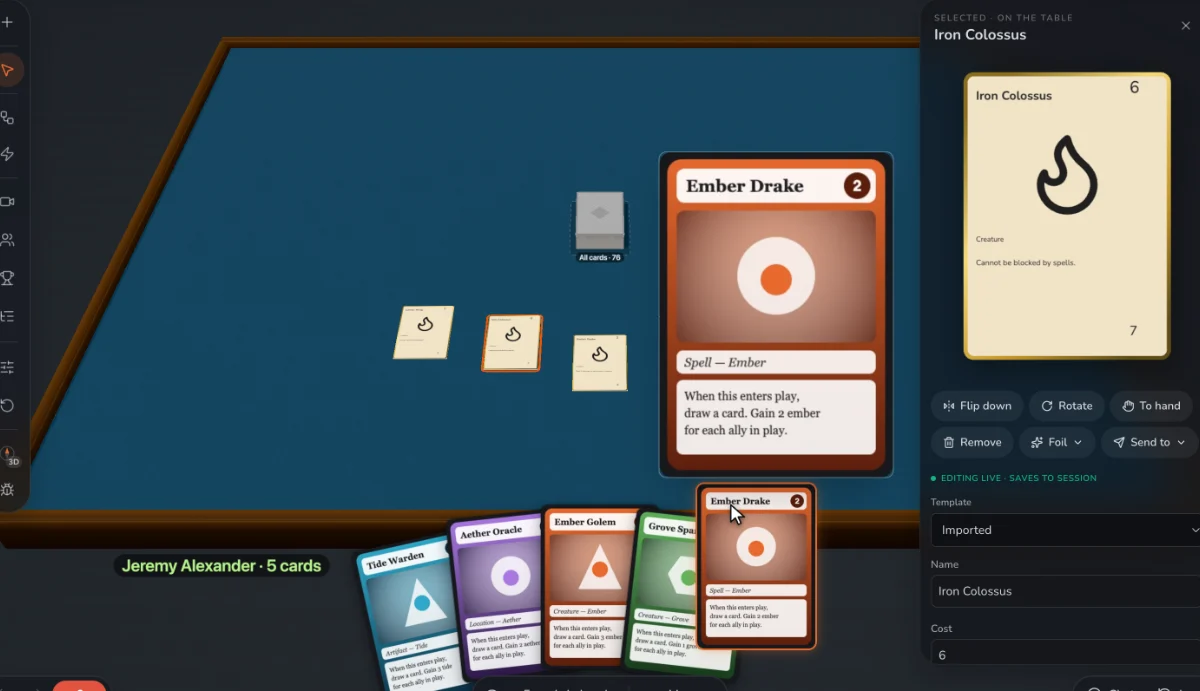
Best for: Designers changing a board game between sessions, with a 3D table, grids on any board image and players who join from a link.
Tabletop Simulator
The big one: full physics and custom 3D models, and each player buys it.
Tabletop Playground
A similar desktop sandbox with JavaScript scripting.
Dustin's Designer Den
A 2D browser table with grids and zones, plus replay on its paid plan.
Screentop
A 2D browser table, popular for free playtests.
Tabletopia
A 3D browser table with a public catalog of games.
ShuffleKit
Design tools with a playtable for boards, tokens and dice, up to 6 players.
Questions
Can I make a board game online for free?
Yes: Prototable, Screentop, Tabletopia and others have free plans, each with limits. Check how many games and players you get.
Do I need to code to make a board game?
No. You only need code for scripted rules, and most prototypes do without them.
We make Prototable, so read this with that in mind. Claims about other tools come from their own sites and docs; each comparison page lists its sources and the date we checked them. If something here is out of date, tell us on Discord.
Other lists
- The best AI card game makers
- The best AI board game makers
- The best AI tabletop game makers
- The best card game makers
- The best tabletop game makers
- The best card game playtesting software
- The best card game makers for Tabletop Simulator
- The best card game template tools
- Print-on-demand card game printers
More: all comparisons · all guides.