What to look for
One tool or several?
A chain of a layout tool and a table can be powerful, since each is good at its job. The cost is the export between them, every time you change something.
Which stage are you at?
Early, speed of change matters most. Near the end, production files and reaching an audience matter more. It’s normal to change tools.
Who else needs it?
Co-designers need shared editing. Playtesters need an easy way in. Backers want something to try.
The tools
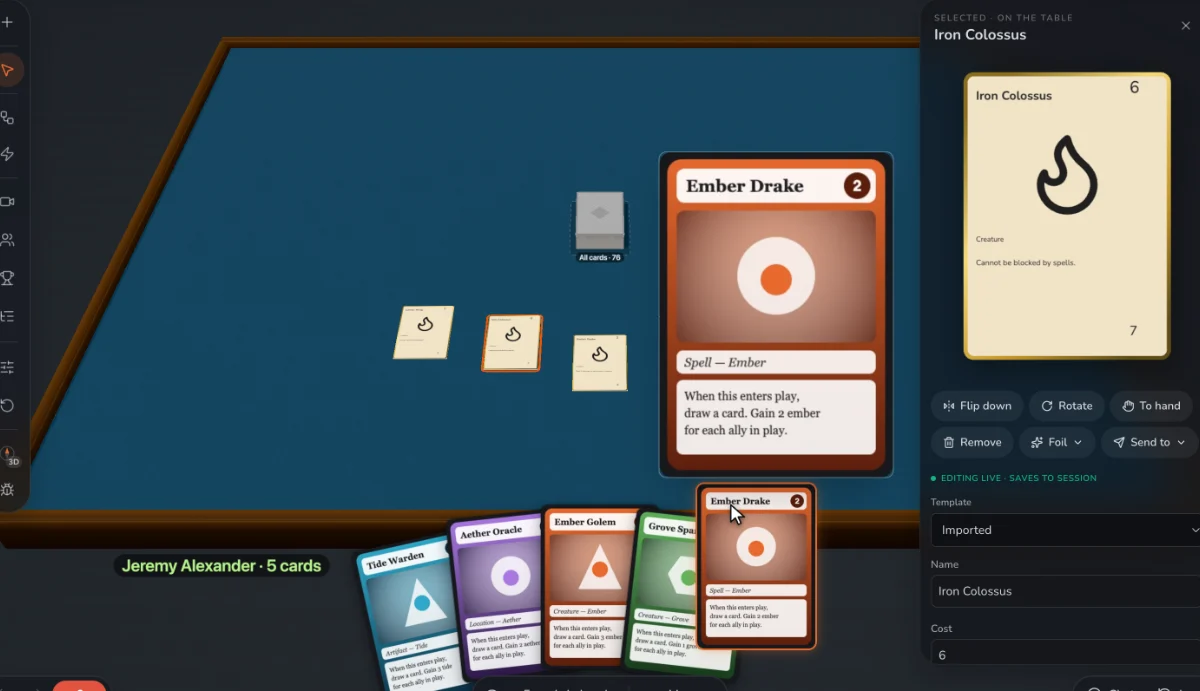
Prototable
Best for: The early and middle of a design: making, playing and reviewing in one place.
ShuffleKit
All-in-one, leaning toward design and print.
Dustin's Designer Den
All-in-one, leaning toward playtesting, with analytics.
Dextrous
Layout, with exports for print and digital tables.
Tabletop Simulator
A finished game in front of a large audience.
Screentop
A free browser table for decks made elsewhere.
nanDECK
Scripted card generation, free.
Questions
What software do board game designers use?
Commonly a spreadsheet and a layout tool (or Illustrator and InDesign for final art), plus a virtual table for remote tests. All-in-one tools aim to replace that chain for the prototype stage.
We make Prototable, so read this with that in mind. Claims about other tools come from their own sites and docs; each comparison page lists its sources and the date we checked them. If something here is out of date, tell us on Discord.
Other lists
- The best AI card game makers
- The best AI board game makers
- The best AI tabletop game makers
- The best card game makers
- The best board game makers
- The best card game playtesting software
- The best card game makers for Tabletop Simulator
- The best card game template tools
- Print-on-demand card game printers
More: all comparisons · all guides.