A deck is two columns
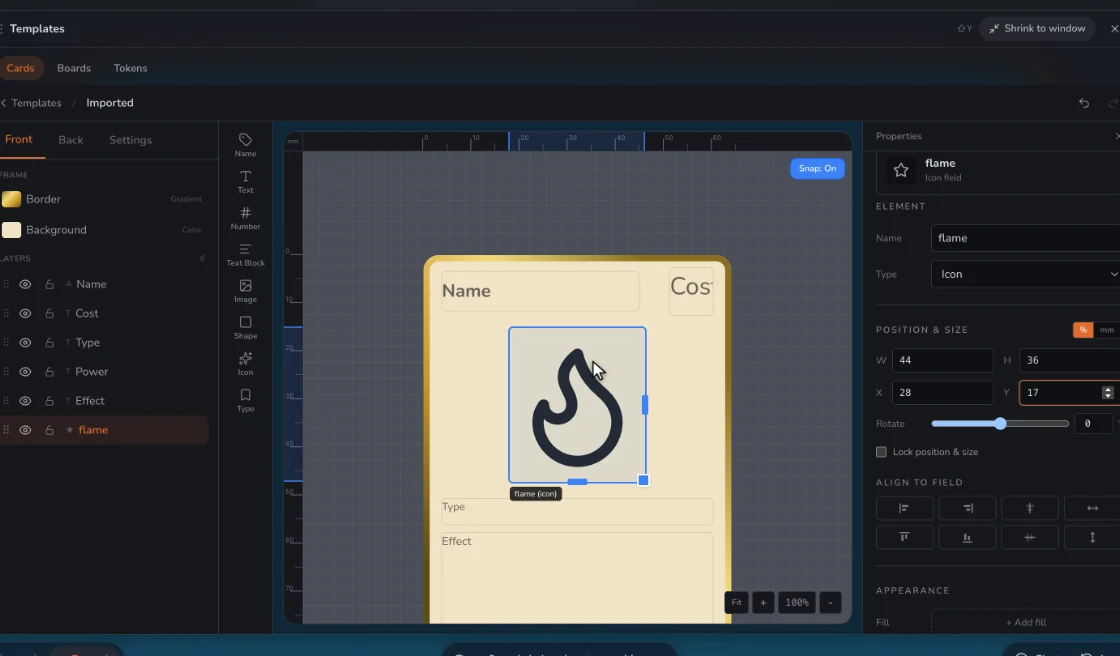
Each card is a rank and a suit. Make those your fields, place them in the corners, and add a big pip or picture in the middle. A sheet with 52 rows does the rest. Add jokers as two more rows.
| Field | What it’s for |
|---|---|
| Rank | A, 2 to 10, J, Q, K |
| Suit | A word or an icon, in its color |
| Center art | Pips, or a picture for the face cards |
| Back | Set on the template, shared by the deck |
Backs
Each template has its own back design, and every card using it shares that back. Keep backs symmetrical so a turned card doesn’t give itself away.
Play with it before you print
Deal your deck on a table and play a real hand. Check that the corners read when cards are fanned, and that red and black stay apart at a glance. You can also add the table’s standard deck to compare, or play Hearts, Crazy Eights and Texas Hold’em on our own tables.
Sizes
Poker (2.5 × 3.5 in) is the wider standard. Bridge (2.25 × 3.5 in) is narrower and fans better for big hands.
Step by step
- Pick poker or bridge. Then make a template.
- Place rank and suit. In the corners, with a large one in the center.
- Import 52 rows. The playing card template has a CSV ready.
- Design the back. Set it on the template.
- Play, then print. Deal a hand, then export a PDF with cut guides.
Questions
Can I design my own playing cards for free?
Yes, free for two games. Free prints carry a small watermark; Designer prints clean.
Can you print and ship my deck?
No. Prototable makes the files, and a card printer like MakePlayingCards or The Game Crafter makes the deck.
Related: Playing card template · Bridge card size · Card design rules · all tools.