What to look for
How does data get in?
CSV, paste, or a linked sheet. A live link saves steps if you do most of your work in a spreadsheet.
Can a card vary?
Look at multiple templates per deck, and conditions that change a layout by card type.
What can you do afterwards?
A template that only makes images leaves you another step before anyone plays.
The tools
Prototable
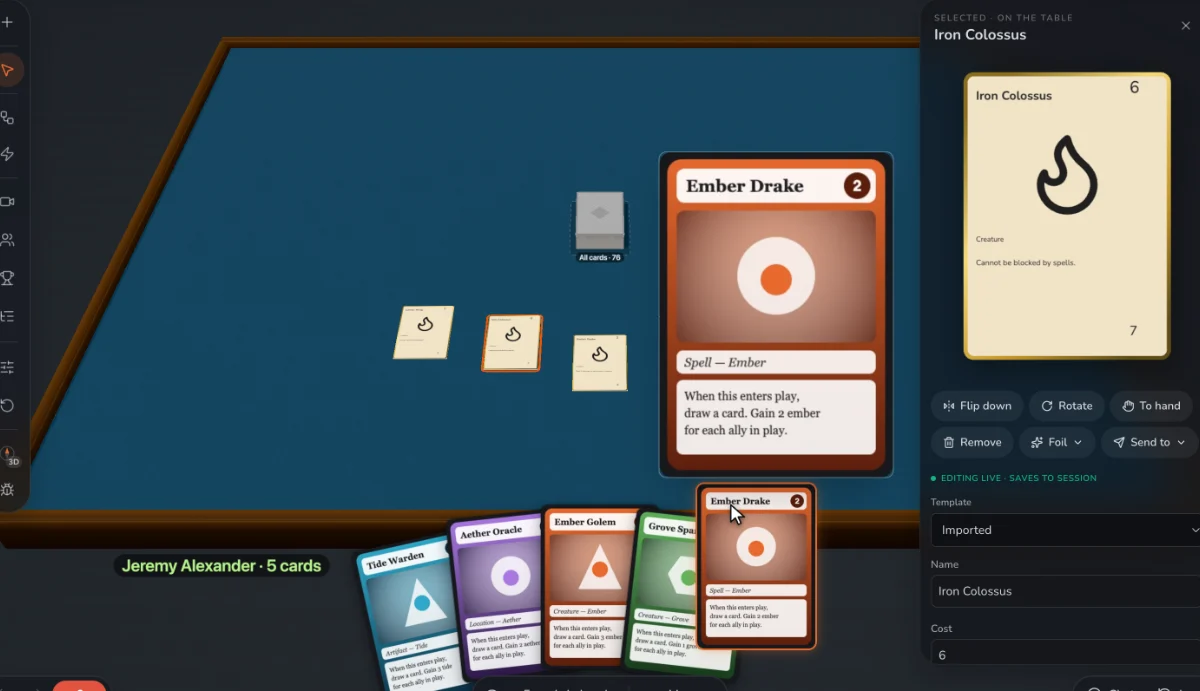
Best for: Multiple templates in one game, your own fields, and cards ready to play on a table as soon as they exist. Start from our free card templates.
Dextrous
Layouts driven by a linked Google Sheet.
ShuffleKit
A large template library, and spreadsheet sync.
Component.Studio
Templates with an expression language, for complex cards.
nanDECK
Templates written as scripts.
Canva
Bulk Create from a sheet, on paid plans.
Magic Set Editor
Community templates for existing card games.
Questions
Where can I get free card game templates?
We have a set with sample decks to download. Many tools come with their own.
We make Prototable, so read this with that in mind. Claims about other tools come from their own sites and docs; each comparison page lists its sources and the date we checked them. If something here is out of date, tell us on Discord.
Other lists
- The best AI card game makers
- The best AI board game makers
- The best AI tabletop game makers
- The best card game makers
- The best board game makers
- The best tabletop game makers
- The best card game playtesting software
- The best card game makers for Tabletop Simulator
- Print-on-demand card game printers
More: all comparisons · all guides.