What to look for
Does it export a grid?
Usually 10 by 7. Check that it handles decks over 70 cards with several sheets.
How do you update a card?
Every tool here means a fresh export and reload in Tabletop Simulator. Look at how quickly you can get to that point.
Is it only for TTS?
If you may also print, or play in a browser, pick a tool that does those too.
The tools
Prototable
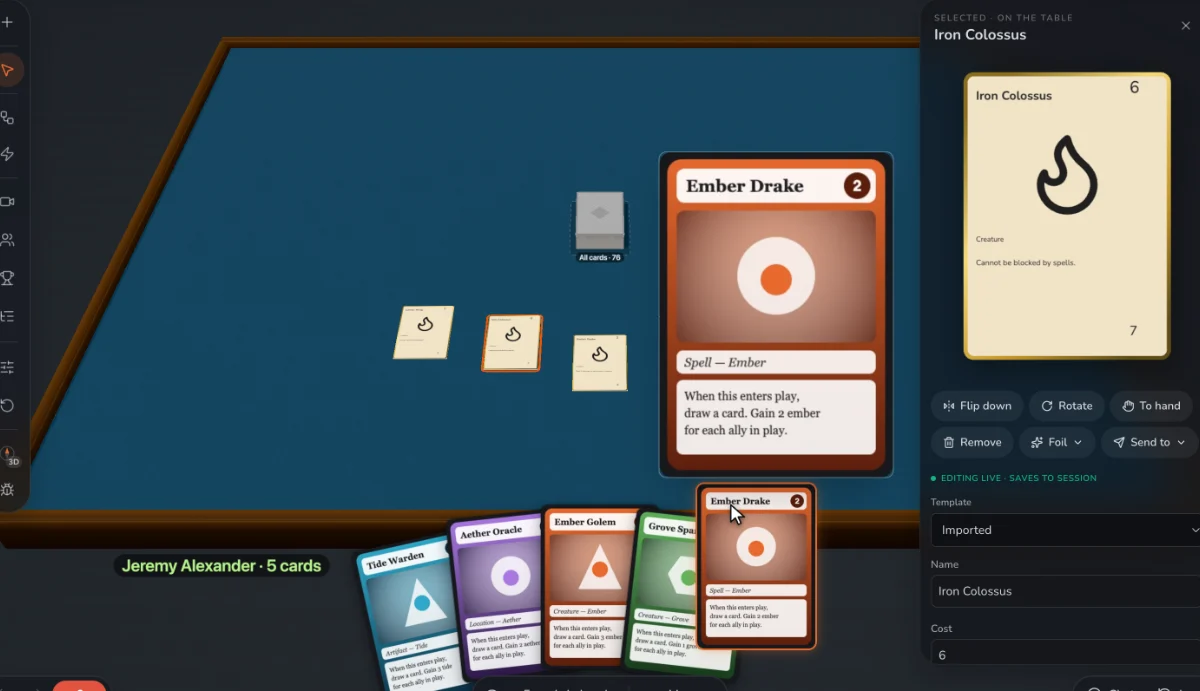
Best for: A 10 by 7 sprite sheet export, reading TTS sheets back in, and a browser table for testing between TTS sessions. Prototable doesn’t export directly into TTS; you add the image to a Custom Deck.
Dextrous
Exports to many digital tables, including Tabletop Simulator.
Tabletop Creator
A desktop tool with renderings made for digital tables.
ShuffleKit
A Tabletop Simulator export on its paid plans.
Component.Studio
Exports for Tabletop Simulator from a spreadsheet and template.
nanDECK
Free, with decks that export to Tabletop Simulator.
Questions
How do I get custom cards into Tabletop Simulator?
Make a sheet, then add a Custom Deck and set its Face and Back images. Our guide has the steps.
We make Prototable, so read this with that in mind. Claims about other tools come from their own sites and docs; each comparison page lists its sources and the date we checked them. If something here is out of date, tell us on Discord.
Other lists
- The best AI card game makers
- The best AI board game makers
- The best AI tabletop game makers
- The best card game makers
- The best board game makers
- The best tabletop game makers
- The best card game playtesting software
- The best card game template tools
- Print-on-demand card game printers
More: all comparisons · all guides.